

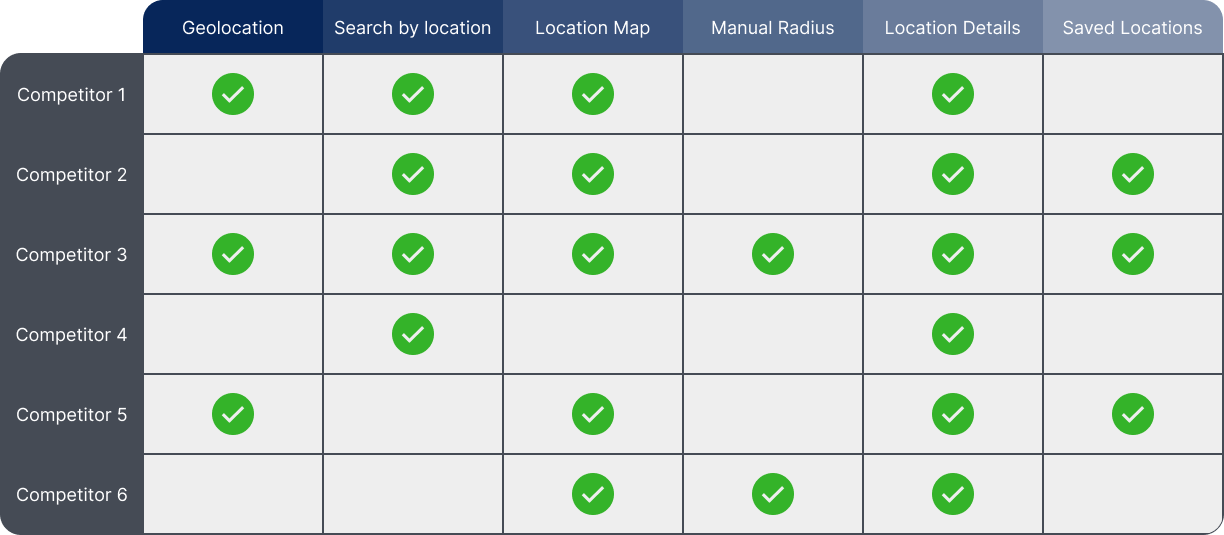
The ability to view locations on a map, as well as a list.
The map should provide sufficient detail about the locations.
The ability to search for a location by name and/or city.
The ability to save or favourite one or more locations.
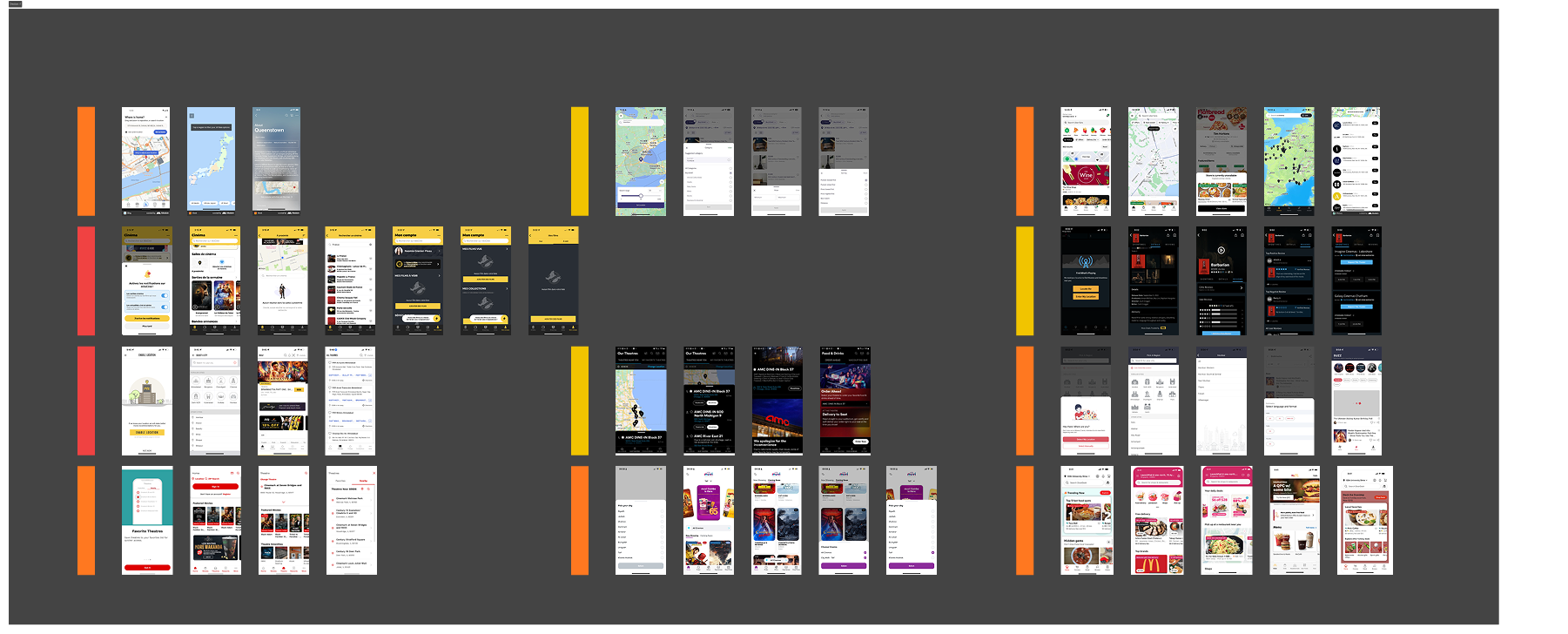
The first step in the process was to look at what parts of the app would be affected by an update as large as this one. We did an audit of every screen and feature in the app and determined which ones would have to be updated to accommodate this feature, and which ones would benefit the most from it. After we had a list of these changes we began to narrow our focus to determine which screens to create wireframes for, and what the user journey would look like in order to begin planning early tests.

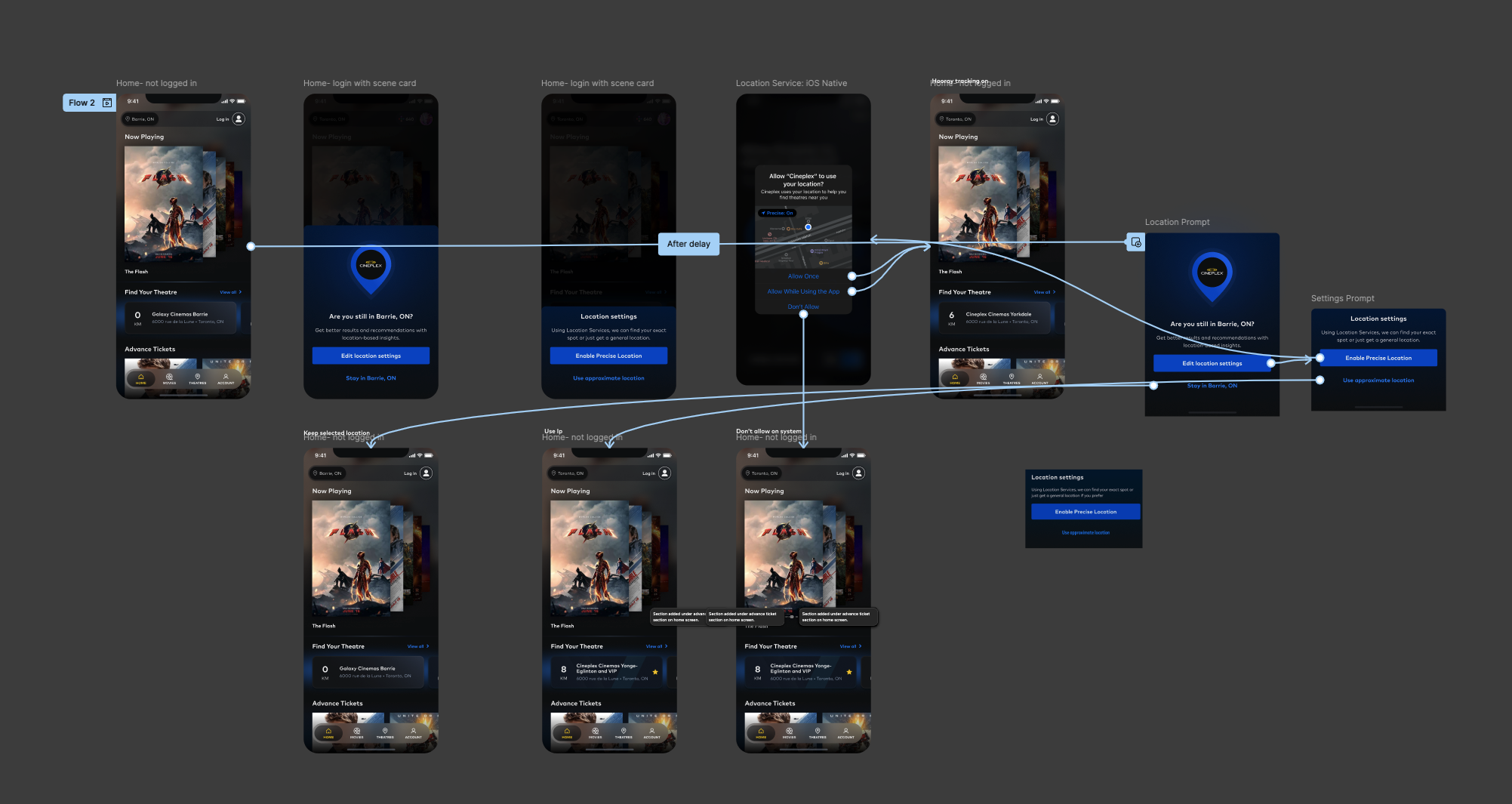
We decided to focus on two different flows for our first iteration, the first being the happy path - user allows location services and there are many theatres within their region - and a secondary path with more friction - user selects their own location, and they are in a more rural or remote area. After walking through some sketches and looking at our user personas, we needed to determine how this change was going to impact the app, how each user group would be affected, and what that would look like.

Because we were designing with an existing app we didn't need to worry about some aspects of the design that were locked in to our design system already. With that in mind we moved onto digital wireframes and began to lay out some of the screens we were thinking about building, looking at map functionality and preparing to get a low fidelity prototype ready for user testing. This part of the process involved a lot of back and forth between stakeholders, the larger design team, and developers to determine what would be possible for the MVP and what would need to be pushed to later updates. One of the realities of working in an active environment with team members who have different priorities is that you need to be flexible with what is delivered, but still try to maintain the best user experience possible.


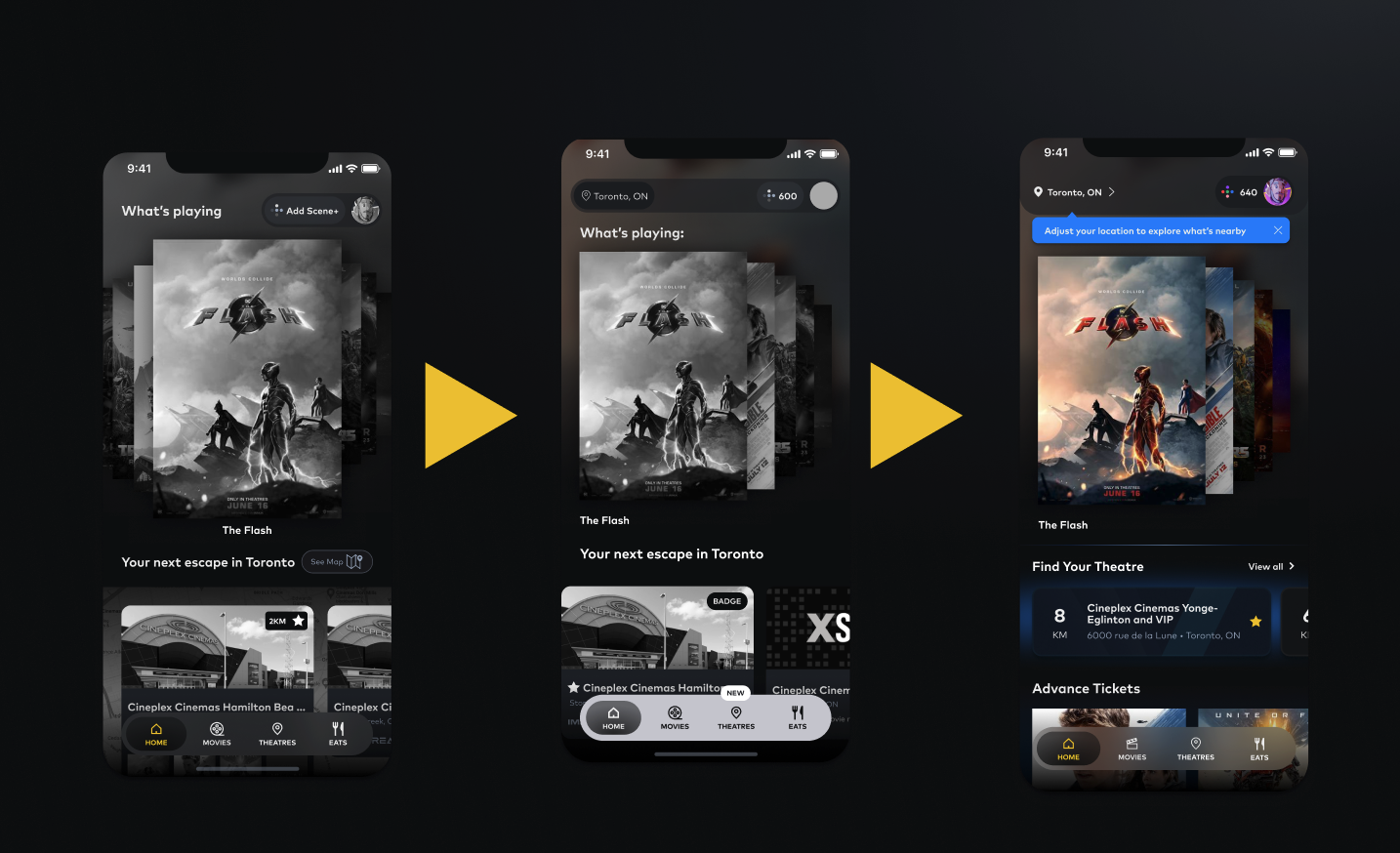
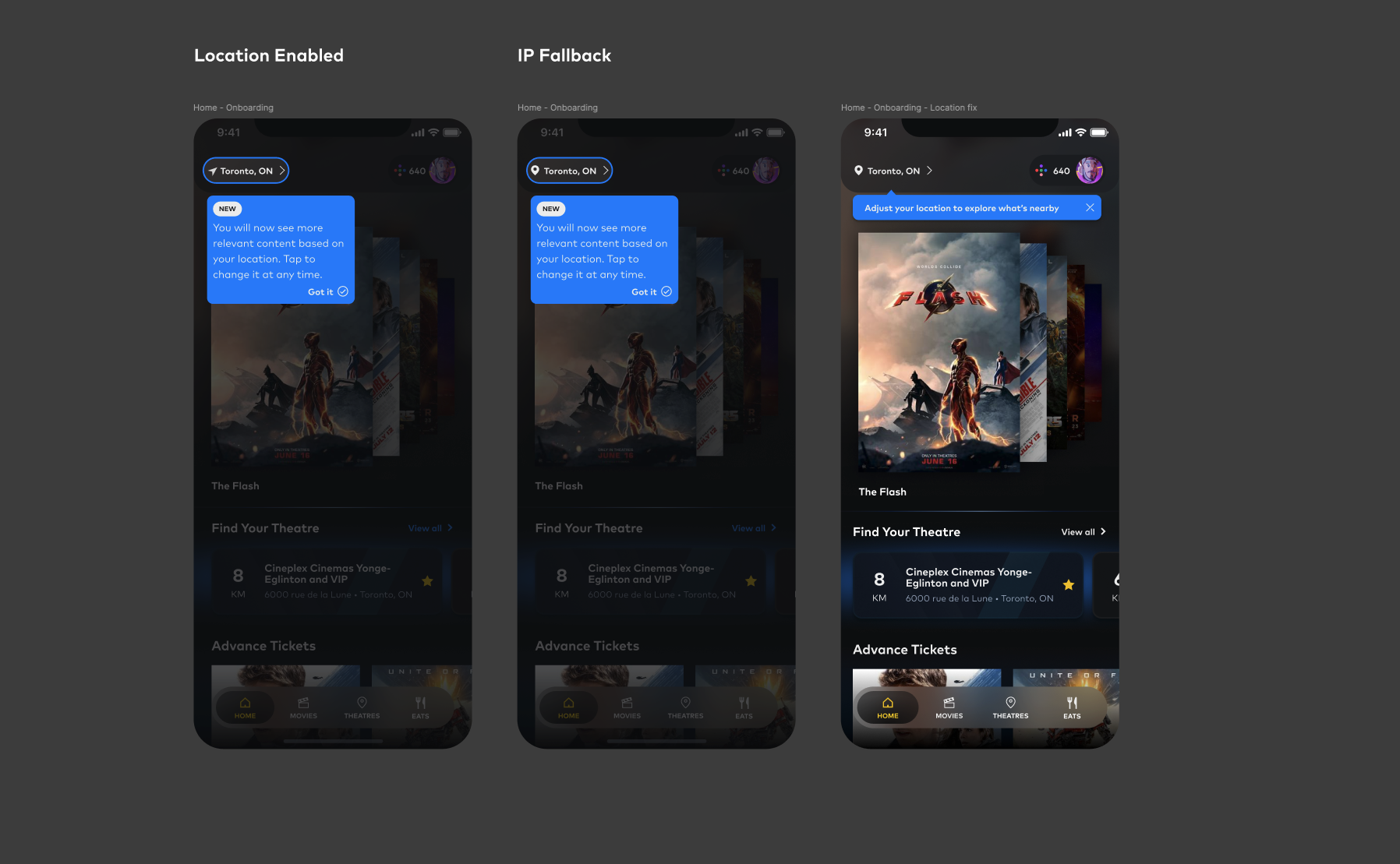
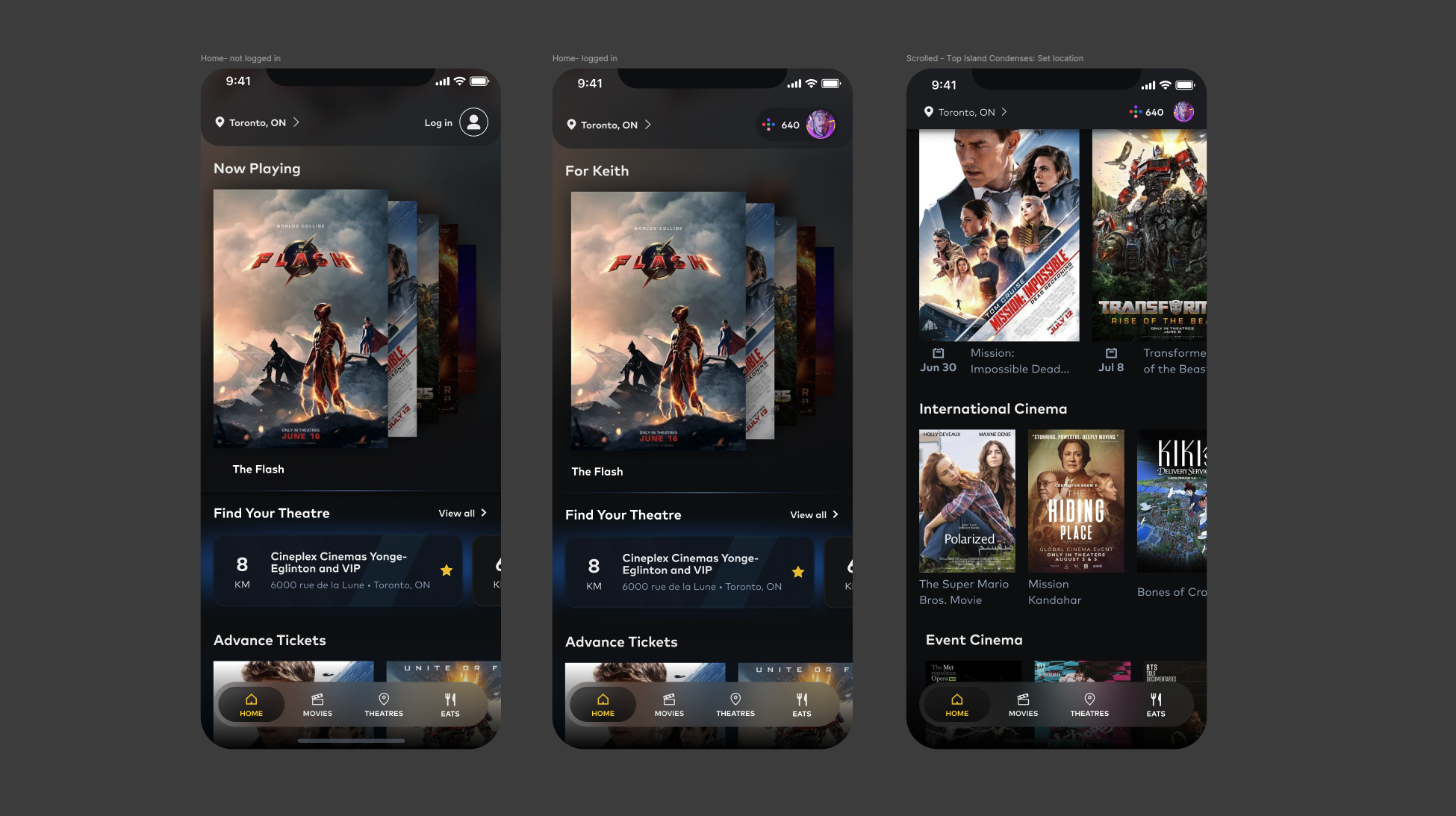
One of the cornerstones of this feature was going to be how it affected the user experience on the home screen, not only including content that is displayed to users, but also giving users a way to change their location easily and in a way that would be visible to them whenever needed. We looked at the idea of a bottom navigation element and the idea of an overlay, but in the end we opted for a top bar personalized element because it aligned with plans for future updates that we were in the planning stages for.
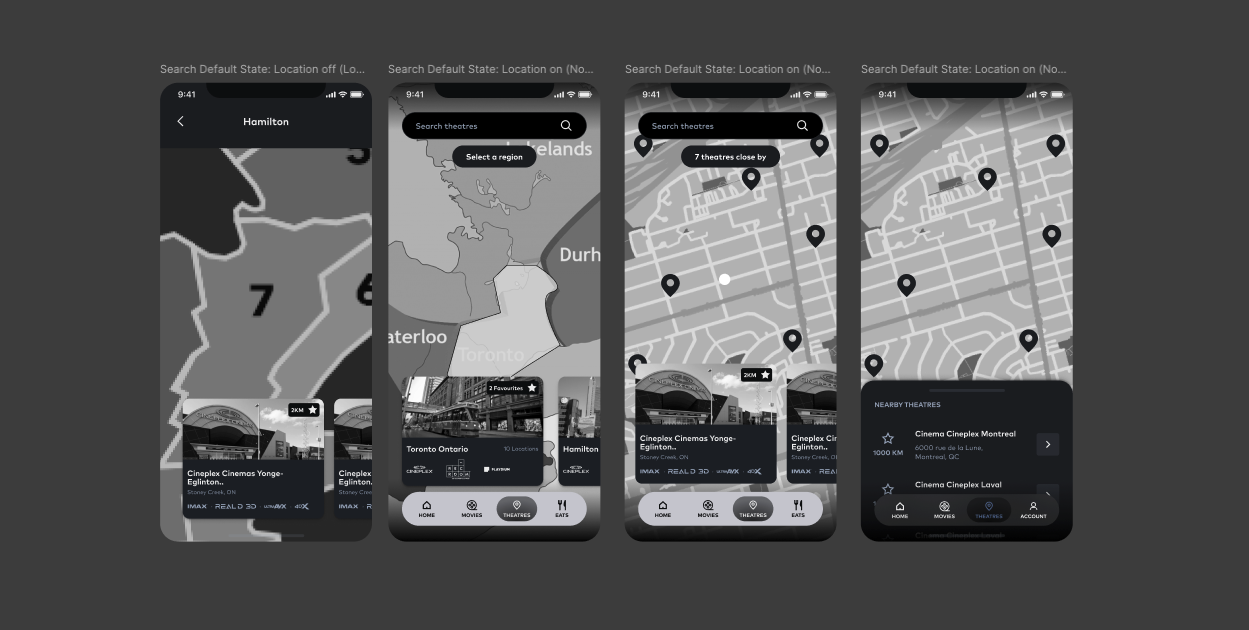
Once we had figured out how users would enter the region change flow, we needed to figure out how they would actually go about changing their locations. There was considerable back and forth here with the development team just to ensure that we had a solution for the map that would be functional at the scale we required, and we had to make sure we could effectively test it.
Finally we wanted to mock up the other screens that would include a regionalization entry point or component. Not all of these screens made it into the prototypes, but it was important for us to be able to visualize the concepts before we could be sure that it would work.
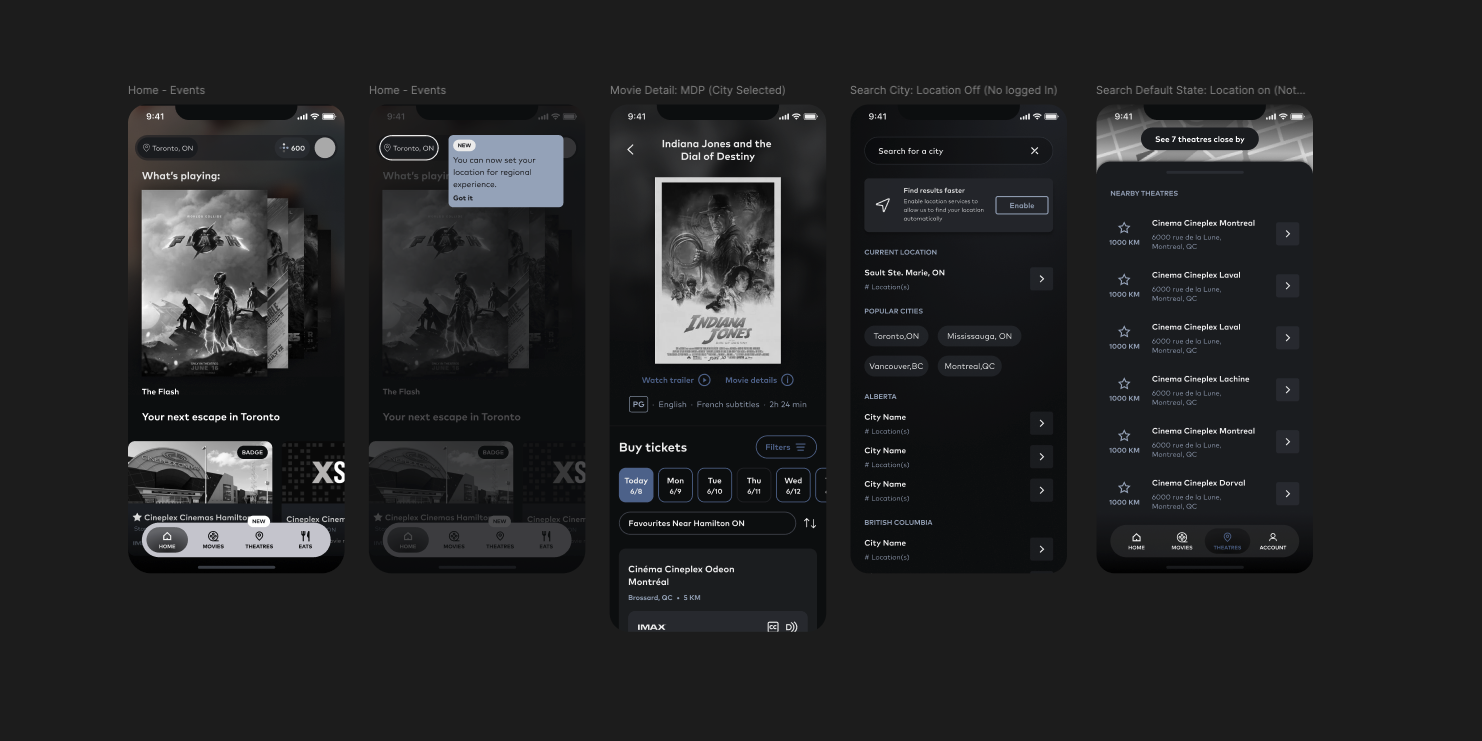
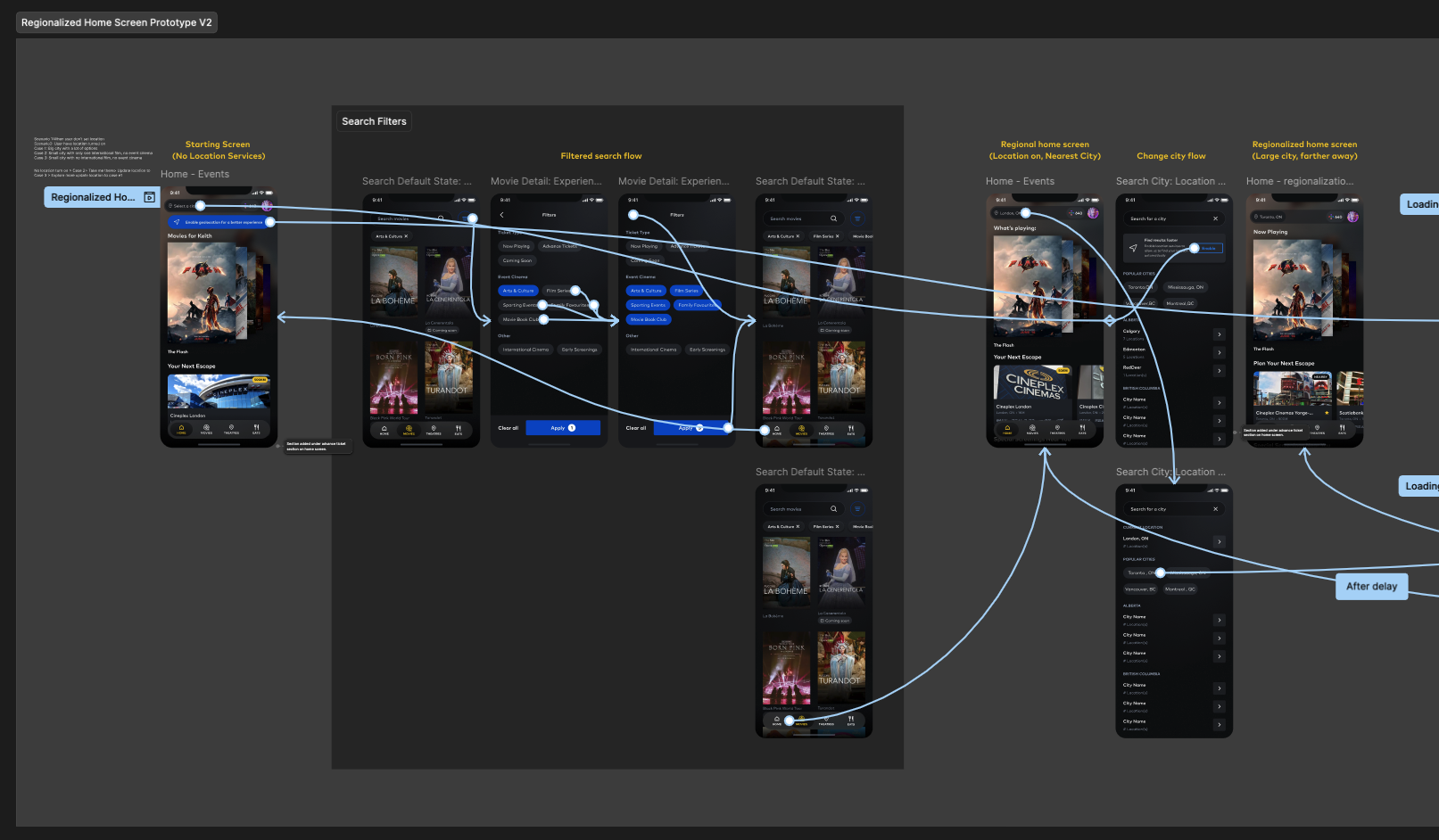
The low fidelity prototype showing the happy path and some edge cases.
Working with our UXR team, we put together a series of research questions and
Moderated usability study
Mississauga, in-theatre
10
2 Rounds, 15 minute sessions
We considered Time on Task, Drop-off Rates, and User Error Rates when analyzing the results of the study and evaluating the performance of the features intended uses.
The first round of tests resulted in 3 primary findings.
Users found the current version of the map to be unhelpful as it was too barebones.
Most users said they would prefer the app to automatically adjust their location.
Most users said that they found the feature to be helpful, but hoped it wouldn't hide too many movies they wanted to see.
After some adjustments to the prototype - including a fairly comprehensive change to the map to add more context and make it more usable, another round of testing took place with some new results.
Users found it intuitive, but thought that the filter chips were unhelpful.
Some users found it confusing to select a theatre, when they were mainly focused on selecting a city.
Users wanted to be able to tap a location on the map for more details.



.png)
See this feature in action in the Cineplex App